agentisCRM

Built for your clinic team

Every conversation.
A clear next step.

Bring enquiries, calls and follow-ups together, so your team knows who needs attention next.

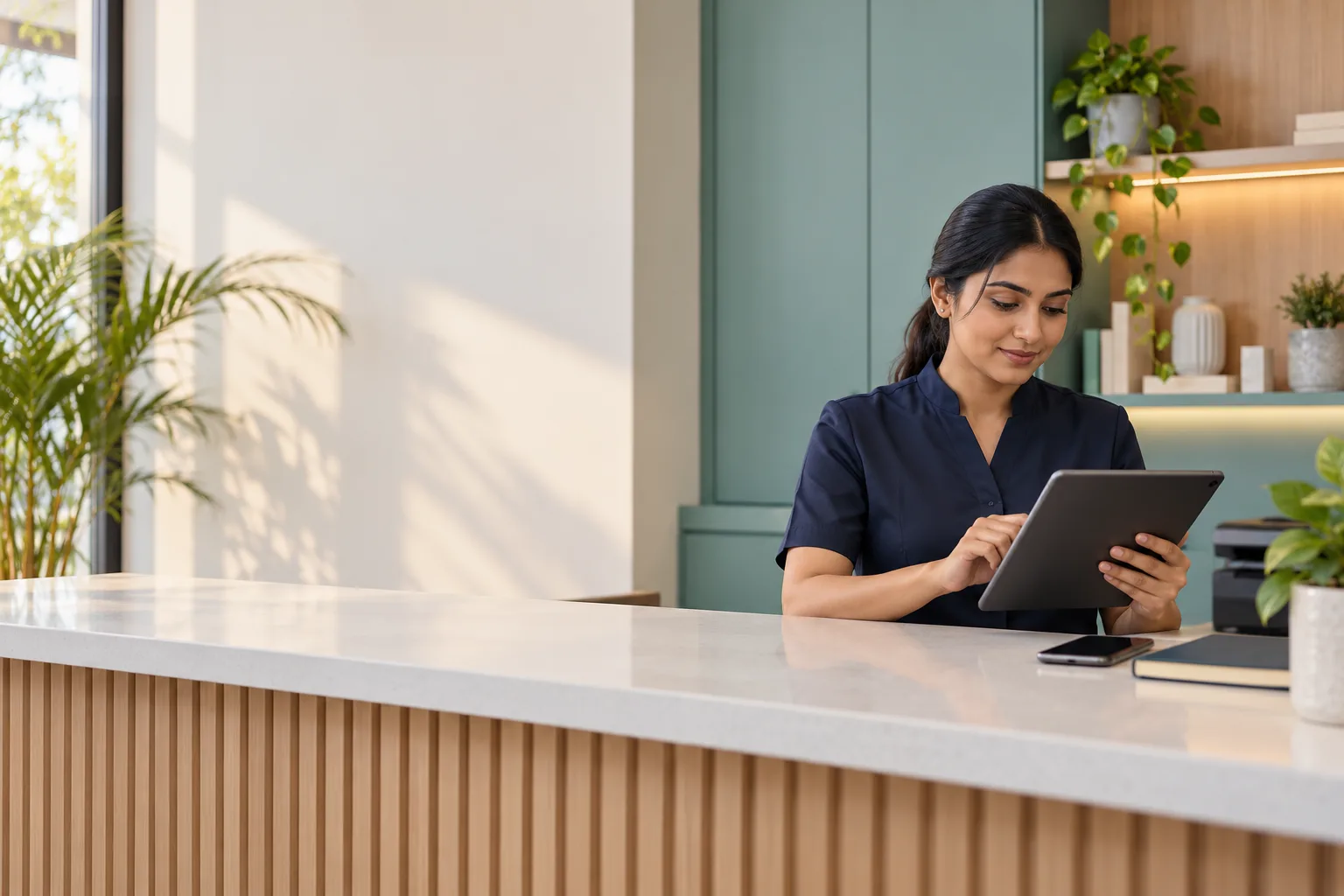
A clinic receptionist working at a tablet

From the first enquiry
to the next appointment.

One place for the details your reception team, managers and owners need.

Keep every follow-up moving

Organise enquiries, assign work, track appointments and keep a shared history. Give each team member a clear view of their next task.

  • Lead and patient timelines
  • Callback reminders and assigned tasks
  • Owner, manager and staff access

See what happens on your phones

Connect supported Android phones as individual profiles. Track incoming, outgoing and missed calls from the phone’s system call history.

Calls from other apps appear when those apps write to Android’s call log.

Turn a recording into useful notes

Import available call recordings, transcribe conversations and prepare English translations, summaries and suggested next actions with your clinic’s AI connection.

Recording availability depends on the phone. Review AI notes before using or sharing them.

Share a clear recap on WhatsApp

Review what was discussed, edit the English recap, then share it through WhatsApp Business. You stay in control of the final message.

Manual sharing does not require the WhatsApp Business API.
Your clinic.
Your team. Your identity.

Add your clinic’s name and logo, invite your people and connect your own supported provider accounts.

Keep phone profiles and team access organised as you grow. Platform administrators can manage clinic access, plans and payments from a separate master console.

Start with what your clinic needs.

Monthly plans for phone operations, the CRM, or both.

PlanMonthly priceIncluded
Agentis Phone₹2,500Call tracking for 1 phone and 1 owner profile
Agentis CRM₹3,000CRM with 1 admin, 1 manager and 1 staff profile

Additional phone: ₹1,500/month. Additional team member: ₹500/month. Connected provider usage is separate. Your final billing details are shown during setup.

At your desk.
On your phone.

Use the CRM in your browser. Install Android for supported call tracking, or add the CRM to your iPhone Home Screen.

Download Android app
Add to iPhone

Open Agentis login in Safari. Tap Share, then Add to Home Screen. Open the new Agentis icon and sign in.

The iPhone shortcut gives you CRM access. It does not capture iPhone call logs or recordings.

Sign-in is remembered on your device until you sign out or your session expires. Use your own trusted device.

A few things to know.

How does my clinic get started?

Your platform administrator creates your clinic and sends an invitation. Set up your owner login, add your clinic identity, then invite your team and connect your phones.

Can I use my own providers?

Yes. Each clinic can connect its own supported AI and communication providers in settings. Provider availability and charges depend on your account.

Will every call be recorded?

Agentis imports recordings your supported Android phone makes available. It cannot create a recording when the phone or calling app does not provide one.

Does Agentis send the recap automatically?

In the manual WhatsApp workflow, you review the recap and choose when to share it. Agentis does not send it on your behalf.